 COME
COMEAsk COME support about a reward without changing accounts
Use the relevant account's programme and history information to describe the missing or unclear reward.
Work through this situation
Record whether the question concerns a daily claim, VIP level, sign-up reward or later referral milestone. Creating another account or downloading again does not resolve the identity of the original claim.
What to check and why
Begin the request with the programme name: daily bonus, VIP level or Refer & Earn. Add the stage or date involved and the exact label of the expected reward. This distinguishes a claim-period question from a sign-up milestone question even if both involve the same rupee figure.
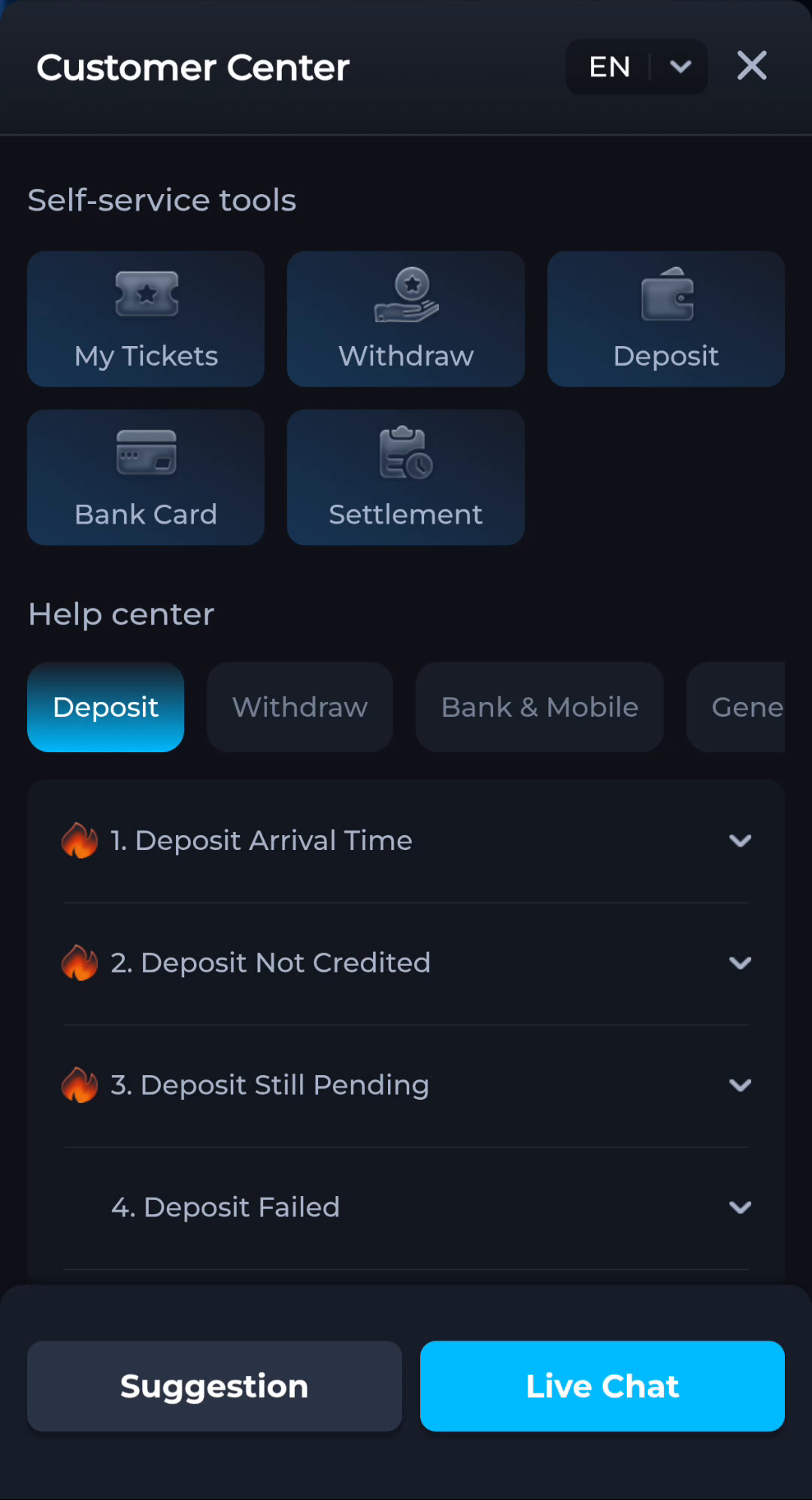
Retain the original account context and any legitimate existing case reference. Reinstalling or creating another account can make the story harder to follow without resolving the original claim. Share only the necessary non-secret details through Contact CS or Customer Center. A helpful request identifies the condition and observed record rather than asserting that every displayed promotion must have been completed.
Recognise the relevant screen
Keep a reward schedule separate from an account result
Programme terms describe a benefit and its conditions; the relevant account record describes the result for that account. Identify the programme, recipient, stage and reward label together. Do not treat another download, a new registration or an extra payment as a way to diagnose an unclear reward. Use the recognised help route for an existing claim.
What a completed answer looks like
The request identifies the programme, account context and stage without revealing passwords or payment PINs.
Apply only the conditions that belong to the relevant programme and account. Keep money-based activity within a limit you can afford.
Choose another specific COME guide